
Zoom


Basic usage
1: Unzip the SD file to the microSD card of the Nintendo Switch.
For files larger than 3.7GB, it is recommended to use exFAT, which includes a large number of games.
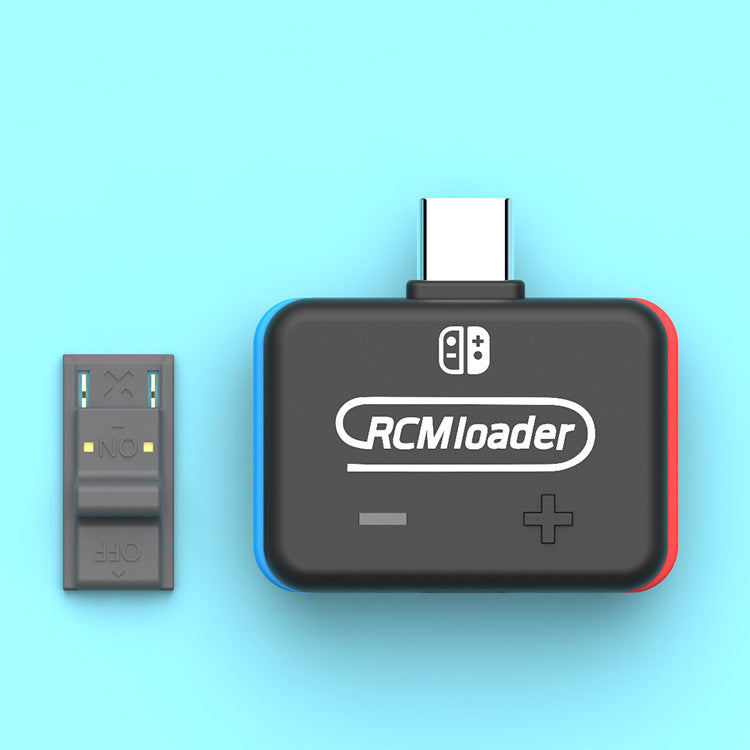
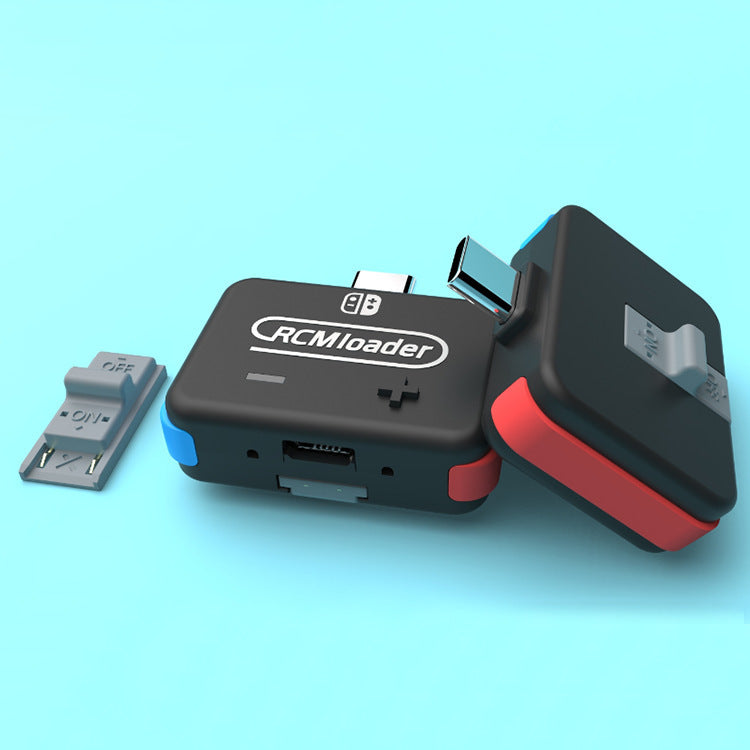
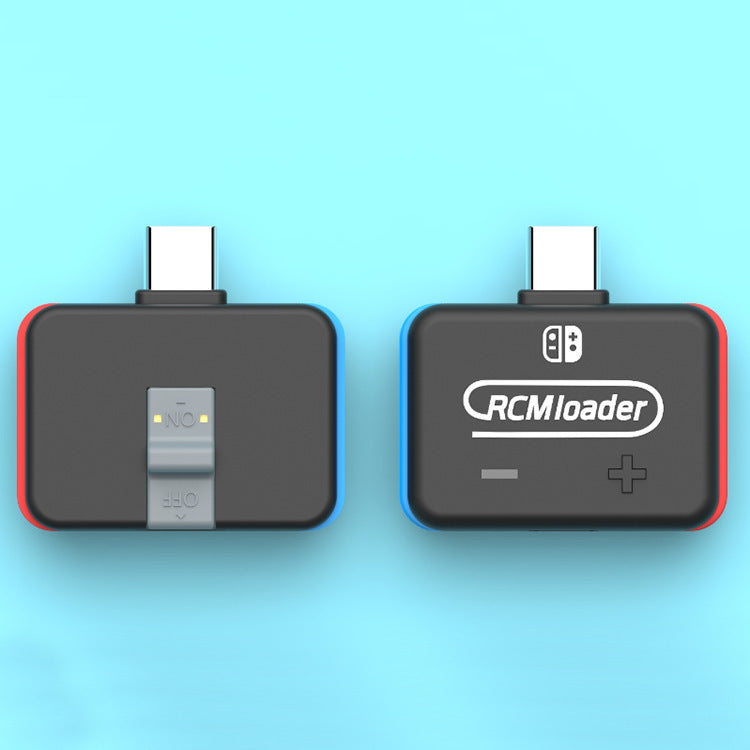
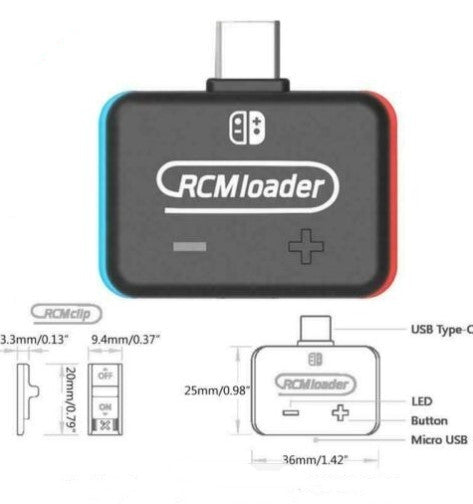
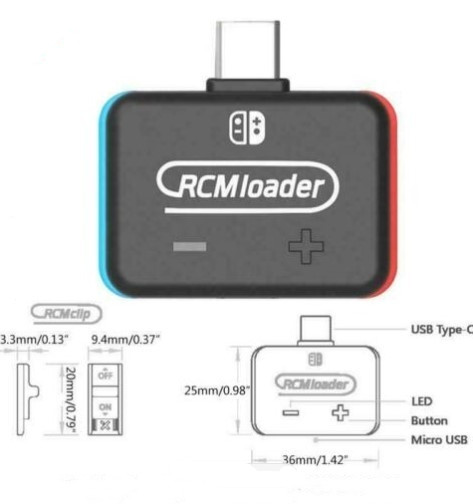
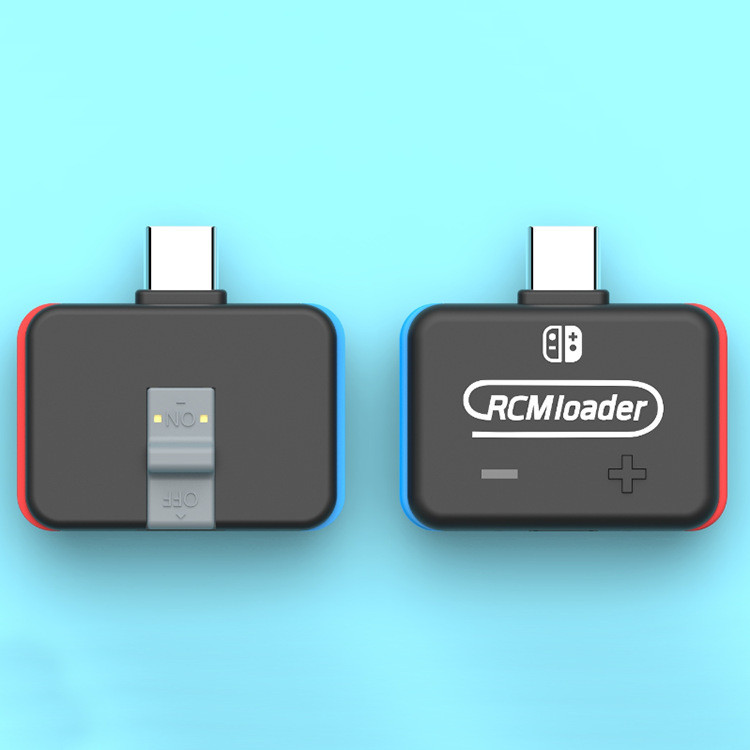
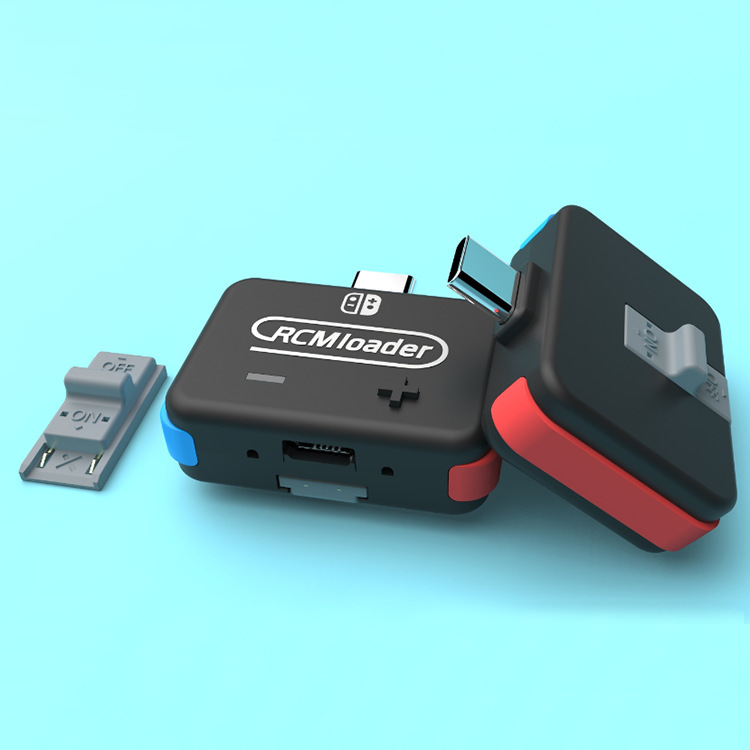
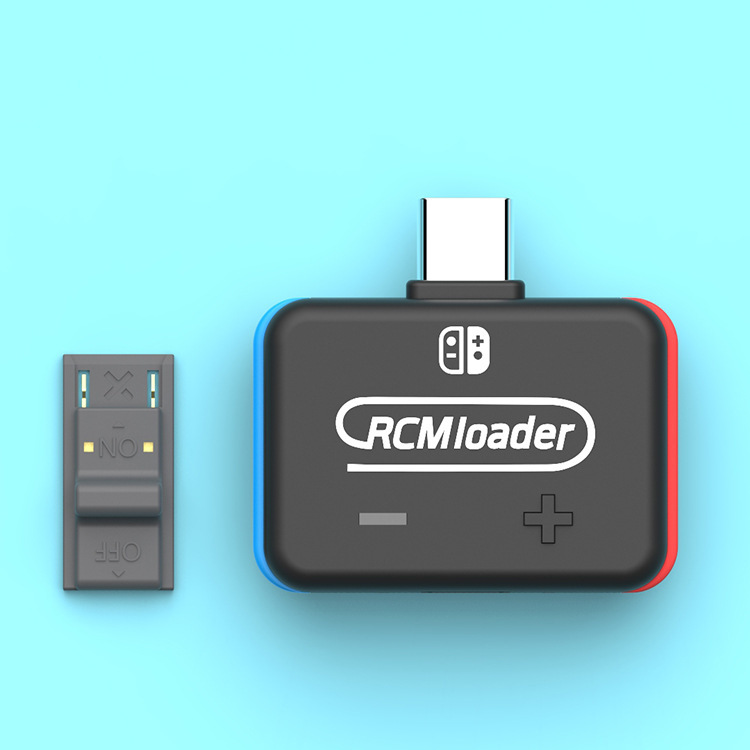
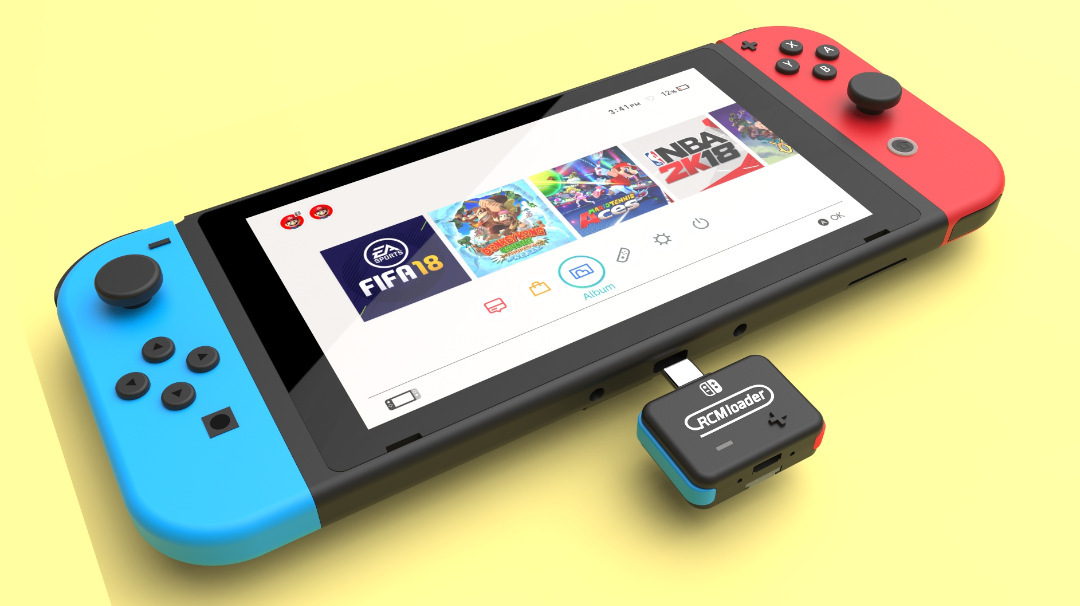
2: Insert the RCMloader and RCMclip into the Nintendo Switch.
RCMloader enters the charger port, the RCMclip in the right joycon track.
3: Press and hold the volume up and press the power button, CFW should start.
After the CFW is started, you can delete the RCMloader and RCMclip.
4: Enjoy the latest games and homemade games!
A more comprehensive guide can be found here.


Wishlist is empty.


